From this photo

And this photo
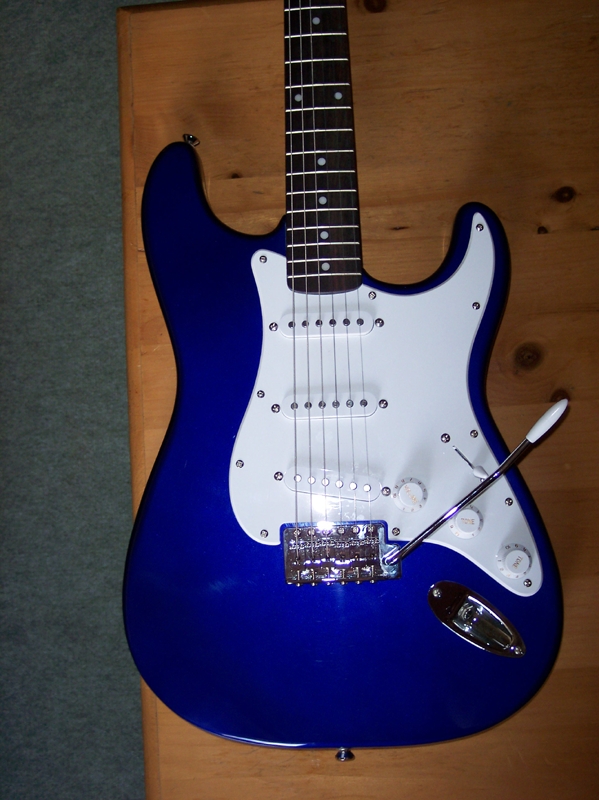
I made THIS photo.
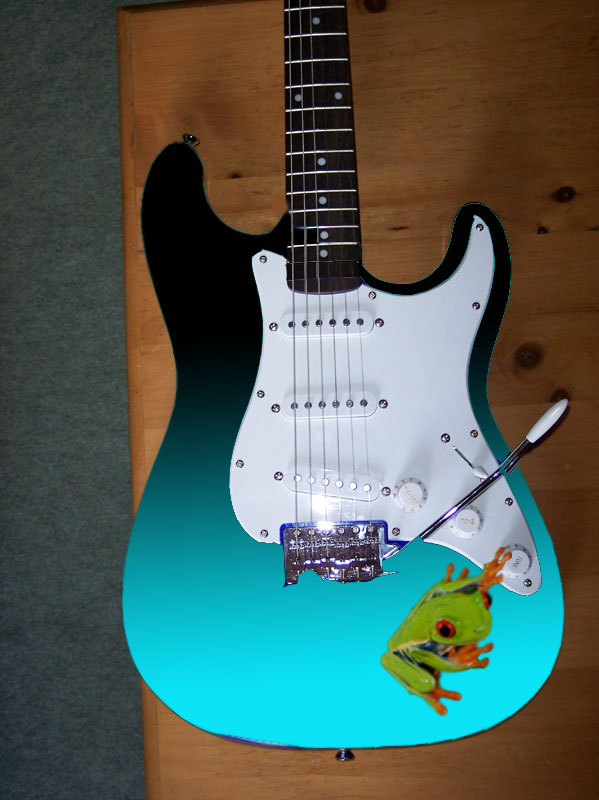
I used the magnetic lasso to take the frog from the original picture. I then used Edit>Transform>Scale to make him small. I positioned him so he is turning down the volume. Then, I made the frog layer invisible. I used the magnetic lasso on the guitar, then used the gradient tool to create the new guitar color. BAM! There's the product!