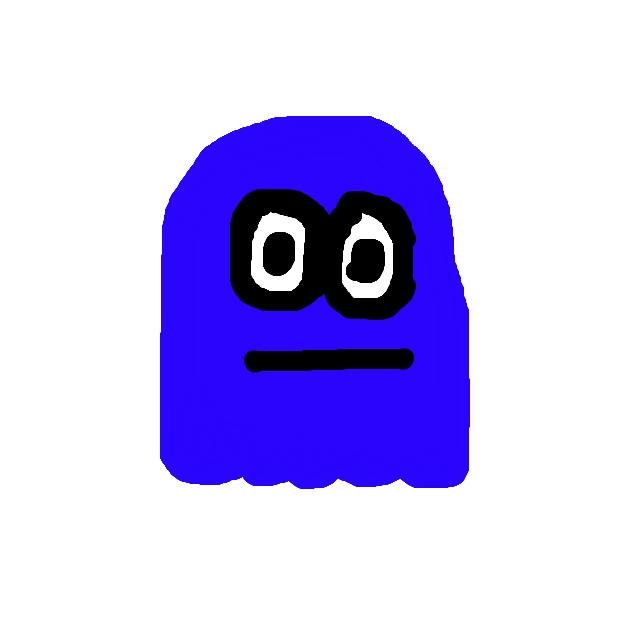
I made this picture using the new Aviary technology. First, I logged on then selected the create image. I clicked on the bottom box that is black, with the white box behind it, to change the color. Next, I selected the paint brush and drew the outline of the ghost. I then filled in the ghost by using the fill tool. Finally, I changed the color back to black and drew the eyes, and filled them in with white. I think this is a good program for being free.
I made this sound file using the new Aviary technology. First, I logged on then selected the button that says create music. I clicked on which instrument I wanted to use and waited for that to load. Next, I started clicking to add notes in different spots and played it back to hear what I had created so far. Finally, I added all the notes that I thought should be there, and I downloaded the file. I think this is a good music program, but I wish that you could create a longer beat.