




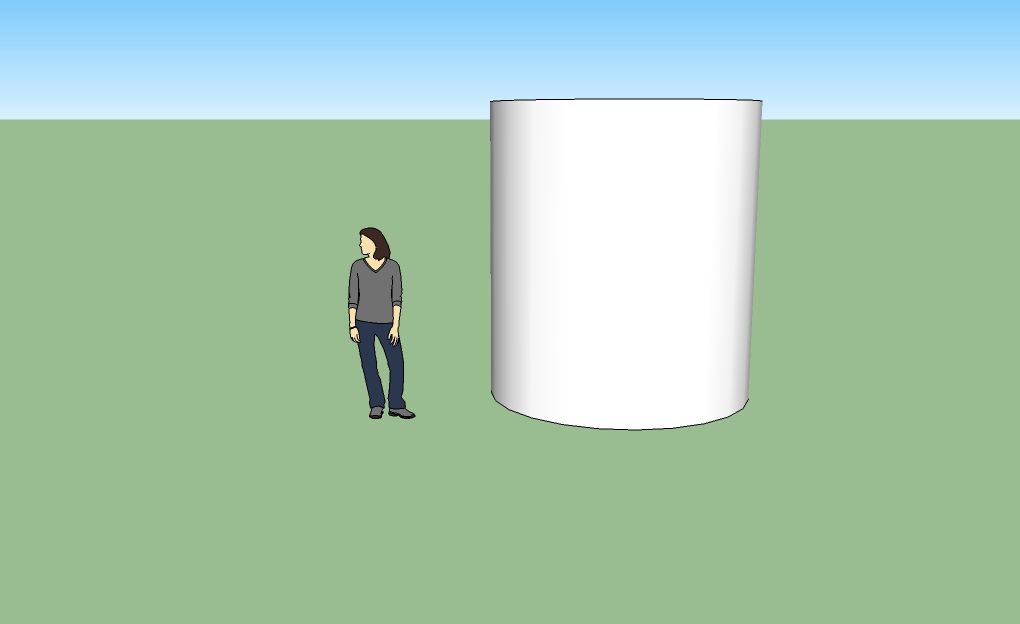
Cylinder- A cylinder is very simple to make. First create a circle on the ground plane. Then select the push/pull tool and pull the circle up.
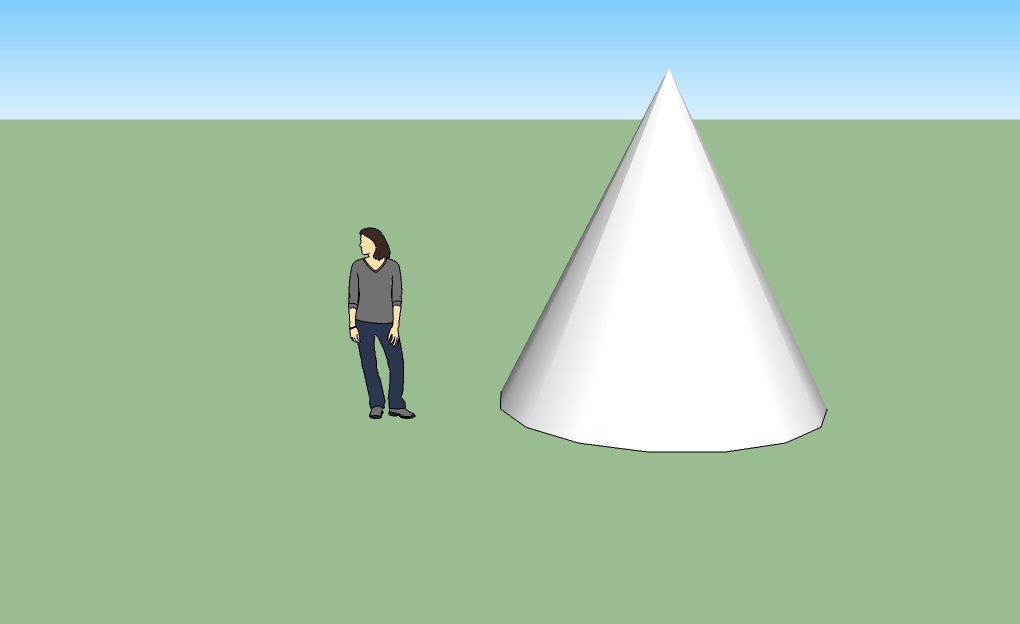
Cone- I made a second cone, but tried a different way to go about making it. Make a circle on the ground plane. Select the line drawing tool and make a line going from the center of the circle up to the desired height. Then make a radius on the circle. Lastly, connect the two lines; it should've created a right triangle. Once the triagle is completed, select the "follow me" tool and pull the traingle around the circle until it is all the way around and connected.
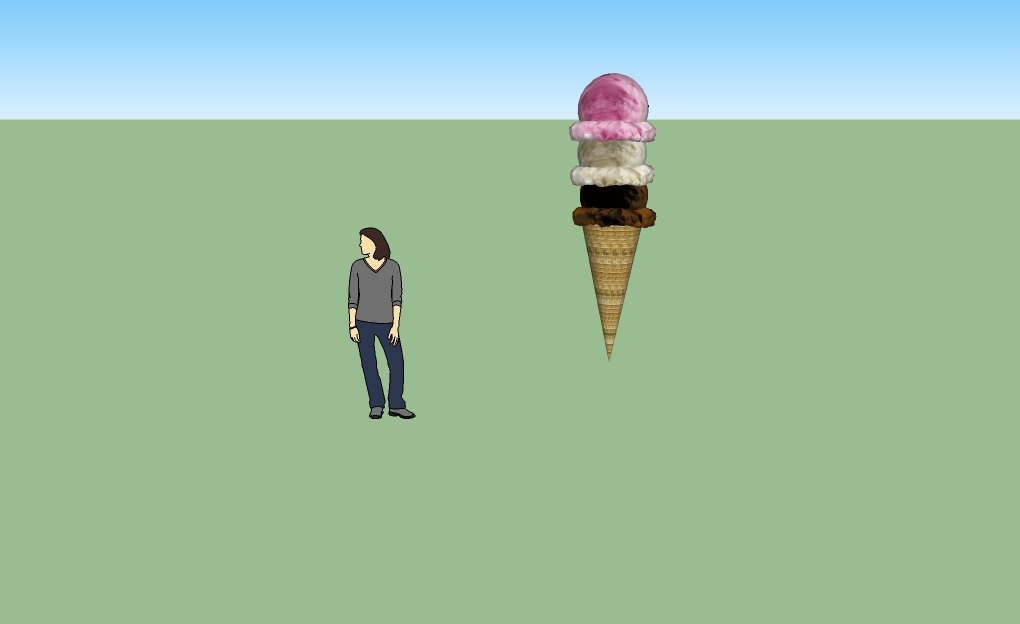
Sphere inside a Cone (ice cream cone)- First create a sphere and a cone (see the how to page). Rotate the cone upside down by selecting the rotate tool. Then selecet the orbit tool and move until you can see the what used to be the bottom of the cone. Select the sphere. Click the move tool and place the sphere inside the cone creating an ice cream cone.